

What-Is-Zero-Trust-Security-And-Why-Your-Business-Needs-It-Now

What Is Zero-Trust Security and Why Your Business Should Implement It

Despite massive investments in cybersecurity, breaches continue to happen. The reason? Many organizations cling to old security models that have been proven ineffective against modern threats. The traditional “castle-and-moat” approach assumed that everything inside the corporate network was safe. That assumption is no longer valid.

Enter Zero-Trust Security. At its core, the principle is simple: “Never trust, always verify.”

What Zero Trust Really Means
True zero trust means there is no implicit trust granted to any user or device, regardless of whether they are inside or outside the network perimeter. As Jay Chaudhry, CEO of Zscaler, explains, the goal is to “remove the network from the security equation entirely.” Instead of getting on a network, users and devices establish direct, policy-based connections to the applications they need.

This architecture assumes that a breach is inevitable or may have already happened, and it is designed to minimize the blast radius by strictly verifying every access request.

Three Key Principles of a Zero-Trust Architecture

Make Yourself Invisible to Attackers: In a zero-trust model, your applications and infrastructure are never exposed to the public internet. They are essentially “invisible” to outside scanners and attackers. If attackers can’t find you, they can’t attack you. Connections are established outbound from the user to the application, not inbound from the internet, drastically reducing the risk of external reconnaissance and direct attacks.

Eliminate Lateral Movement: In a traditional network, once an attacker gains access, they can move laterally—hopping from server to server—to find valuable data. Zero trust segments access to create a “network segment of one” for every device. This means a compromised device in your factory, headquarters, or a remote branch is immediately contained. The attacker cannot “pivot” to other parts of the network because there is no broad network access to exploit.

Enforce Continuous Verification and Least Privilege: Access is granted based on a dynamic policy that considers user identity, device health, location, and the sensitivity of the data. Crucially, this verification is continuous. If a user’s behaviour becomes anomalous—for example, downloading massive amounts of data at 3 AM—access can be automatically revoked. This aligns with the principle of least privilege, ensuring users only have access to what they need, when they need it .

Why Your Business Needs It Now

For a modern business, especially one with remote workers, cloud applications, and a diverse set of users (employees, contractors, partners), the traditional network perimeter has dissolved. Zero trust is the only architecture that works in this new reality.

Companies like MGM Resorts have embraced zero trust not as a buzzword, but as a practical architecture to simplify and scale security across a vast, diverse environment of hotels, entertainment venues, and corporate offices. By centralizing policy enforcement and leveraging AI insights, they have streamlined incident response and made their security posture far more resilient.

Adopting zero trust is a journey, but it is the definitive path to securing your business in a world where threats are more sophisticated than ever.
1fa2c8efe9d200e3d0fa3a0d8081c5cf

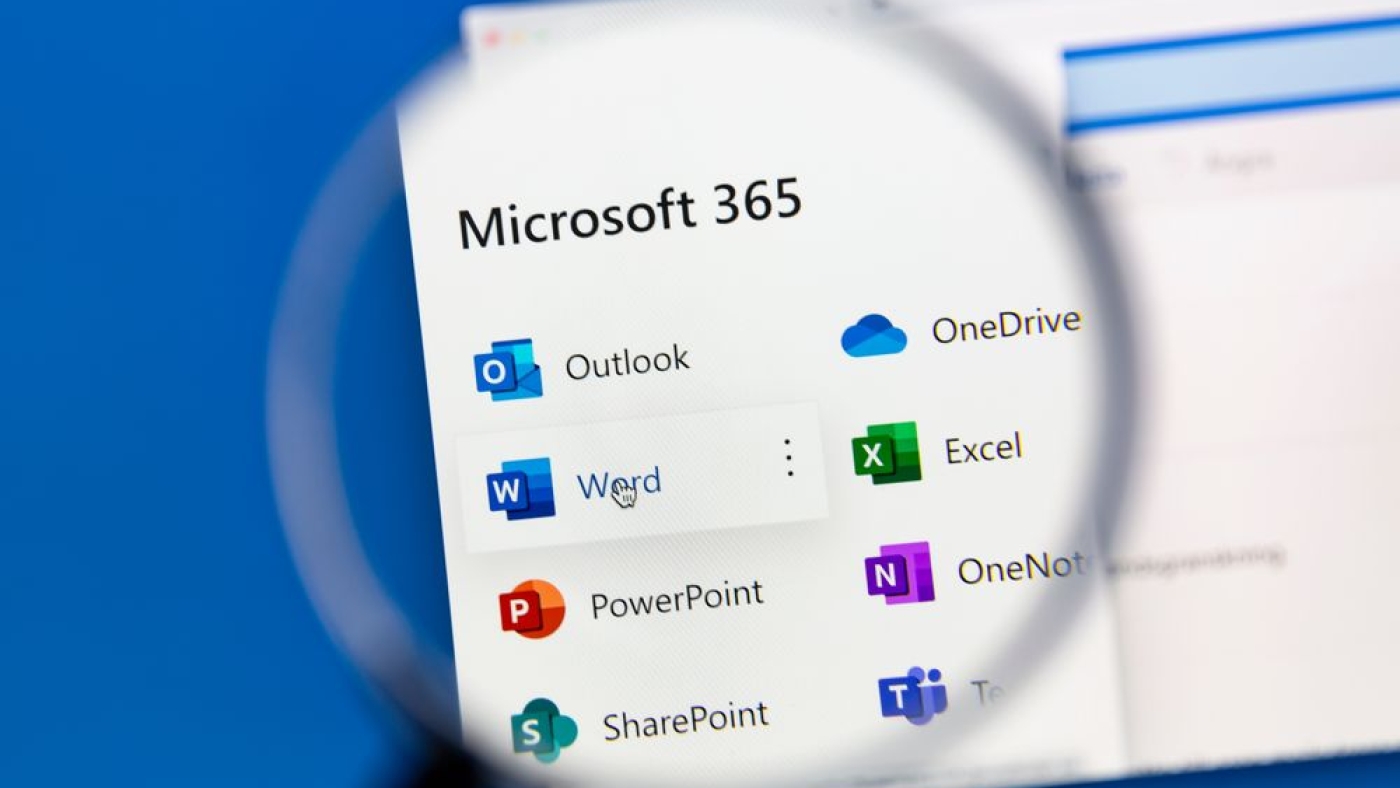
How Microsoft 365 Security Features Can Protect Your Company from Data Breaches

Your Microsoft 365 environment is a treasure trove of sensitive data—from emails in Exchange Online to confidential documents in SharePoint and Teams. However, a single misstep, like an employee falling for a phishing scam, can lead to a devastating data breach that compromises information, shakes client trust, and invites compliance penalties.

The good news is that Microsoft 365 is equipped with a powerful suite of security tools. When properly configured and managed—ideally as part of a comprehensive Microsoft Tenant Management service—these features can create a formidable defence against data breaches.

Here is a look at the key pillars of Microsoft 365 security.

Information Protection with Microsoft Purview: Microsoft Purview is the cornerstone of data classification and protection. It helps you know your data, classify it, and protect it.

    • Data Classification: Purview uses advanced technologies like RegEx scans and trainable classifiers to automatically identify sensitive information (like credit card numbers or personal IDs) across your tenant. It then applies sensitivity labels (e.g., “Confidential” or “Highly Confidential”) to the data.
    • Persistent Protection: These labels “travel” with the data. Even if a confidential Word document is downloaded and converted to a PDF, the label and its protection policies (like encryption or watermarks) remain intact, ensuring access is always controlled.
    • Data Loss Prevention (DLP): Purview’s DLP policies actively prevent oversharing. For example, if a user tries to share a file containing sensitive data externally, Purview can automatically block the transfer and alert your security team in real-time .

    Threat Detection and Response with Microsoft Defender: Microsoft Defender for Cloud Apps provides deep visibility and control over your data’s activity. It acts as a watchdog, monitoring for threats and suspicious behaviour.

      • Threat Detection: Defender detects known threats targeting your data in emails, SharePoint, Teams, and OneDrive. If an admin account is compromised, Defender can immediately spot the anomaly, disable the account, and notify your IT team, preventing significant damage.
      • App Discovery: It helps you discover which third-party cloud apps your employees are using (shadow IT), assesses their risk, and allows you to control access to them.

      Identity and Access Management with Microsoft Entra ID (formerly Azure AD) & Intune: Protecting data means controlling who has access and from where.

      Conditional Access with Intune: Microsoft Intune enforces device compliance. You can create policies that ensure only managed, healthy, and compliant devices (smartphones, laptops) can access corporate data. For instance, you can block access from devices that are jailbroken or not running the latest security patches.

      • Identity Protection: Entra ID uses advanced analytics to detect suspicious sign-in attempts, such as logins from anonymous IP addresses or impossible travel scenarios.
      • Least Privilege Access: By enforcing Role-Based Access Control (RBAC), you ensure users only have access to the data and apps absolutely necessary for their roles, minimizing the blast radius of a potential breach.


      Best Practices for a Secure M365 Environment

      To truly lock down your tenant, your managed IT team should focus on:

      • Automating Labelling: Don’t rely on users to manually classify data; use automation to ensure consistency.
      • Defining Context-Appropriate DLP Policies: Tailor your rules based on how your business collaborates.
        Regularly Reviewing Policies: Threats evolve, so your security policies must evolve with them.
      • Creating Audit Trails: Monitor user activity to detect and track potential data loss or insider threats.

      By leveraging the full suite of Microsoft 365 security tools—Purview, Defender, and Intune—you can shift from a reactive security posture to a proactive, integrated defence that keeps your business safe. Effective Microsoft Tenant Management ensures these complex tools are configured correctly to work in harmony, not in isolation.